Best chess apps for how you play
Start with Lichess for free chess without ads, Chess.com for games and lessons together, or Dr. Wolf for coaching as you play. For a Windows download with training drills, choose Lucas Chess.
Prices are in US dollars. Ratings are from the US App Store as of November 20, 2026; Android ratings differ. Offline features are listed by task, so downloaded lessons and games against people stay separate.
Choose a chess app by what you want to do
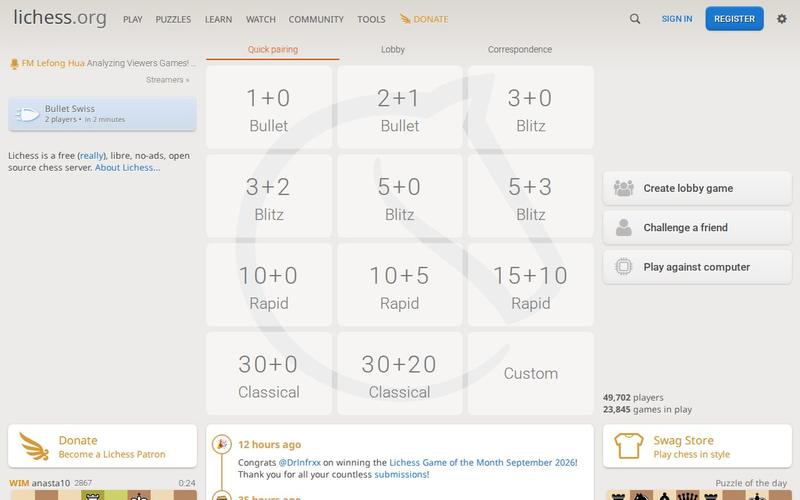
 Lichesslichess.orgOnline games, local analysis and offline computer play, without a paid tier.
 Chess.comchess.comKeep play and learning in one app; extra training features require a membership.
 Learn Chess with Dr. Wolflearnchesswithdrwolf.comA coach explains your moves. Three coached games are free; continued coaching is paid.
 ChessKid.comchesskid.comAd-free games and lessons with parent controls and restricted chat.
 Lucas Chesslucaschess.pythonanywhere.comInstalled engines, opening practice and training drills for Windows and Linux.
Compare 12 chess apps: price, ads and offline play
Free to install does not mean every lesson or course is free. Prices below name the storefront offer or paid feature. A dash means the comparison does not establish that feature. Ratings count star ratings, not written reviews.
| App | Platforms | Price / in-app | Ads | Offline | Store rating | |
|---|---|---|---|---|---|---|
| LichessFree games and analysis without ads. | Platforms: iPhone, iPad, Android | Price / in-app: Free; no paid feature tier | Ads: No | Offline: Computer games, stored puzzles, local analysis | Store rating: 4.09 / 5854 ratings · US App StoreAs of | Get app |
| Chess.comOnline opponents, bots, puzzles and lessons. | Platforms: iPhone, iPad, Android | Price / in-app: Free games; paid memberships and training extras | Ads: Yes on Android; paid plans available | Offline: Computer games and local analysis | Store rating: 4.81 / 5900,873 ratings · US App StoreAs of | Get app |
| Learn Chess with Dr. WolfA coach talks through your decisions. | Platforms: iPhone, iPad, Android | Price / in-app: 3 coached games free; coaching options $5.99/mo or $39.99/yr | Ads: No ad label on Android | Offline: — | Store rating: 4.80 / 527,246 ratings · US App StoreAs of | Get app |
| ChessKid.comChildren's chess with parent controls. | Platforms: iPhone, iPad, Android | Price / in-app: Free games; Gold options $14/mo or $59/yr | Ads: No | Offline: Computer games | Store rating: 4.69 / 5102,849 ratings · US App StoreAs of | Get app |
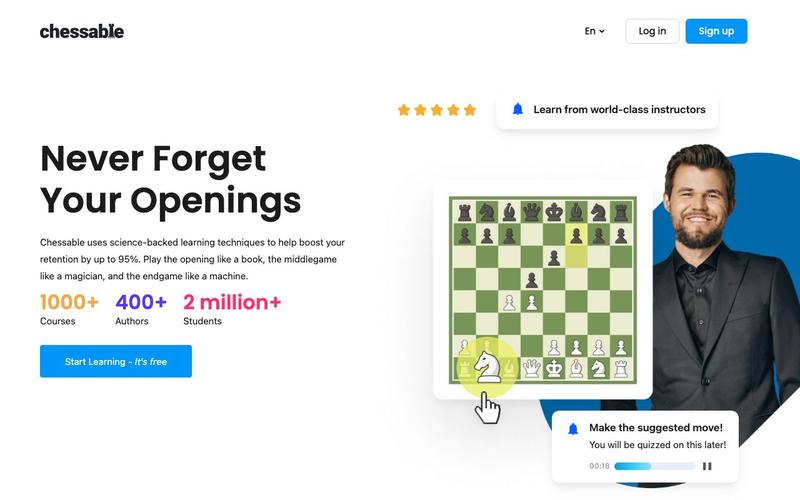
| ChessableRemember opening lines through repetition. | Platforms: iPhone, iPad, Android | Price / in-app: Free courses; PRO $11.99/mo or $74.99/yr; paid courses extra | Ads: No ad label on Android | Offline: Downloaded courses with PRO | Store rating: 4.80 / 56,027 ratings · US App StoreAs of | Get app |
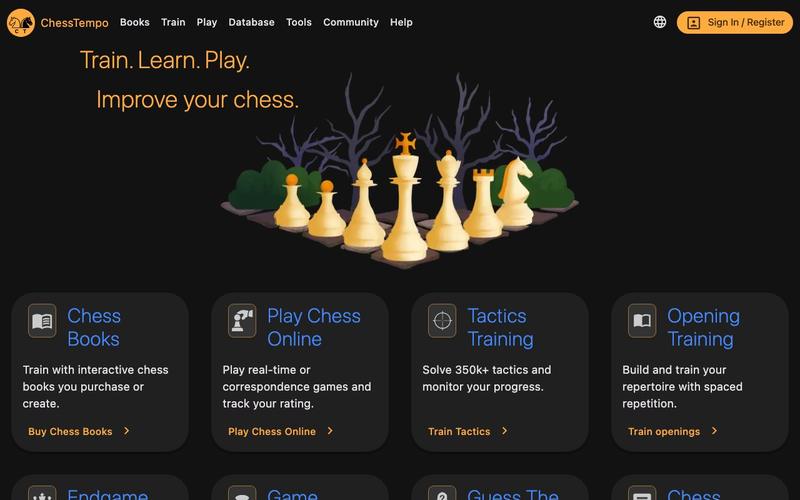
| ChessTempoTactics and your own opening repertoire. | Platforms: iPhone, iPad, Android | Price / in-app: Free; Silver $2.99/mo, Gold $3.99/mo, Diamond $8.99/mo | Ads: No ad label on Android | Offline: — | Store rating: 4.04 / 5115 ratings · US App StoreAs of | Get app |
| Forward ChessPlay through a chess book on its board. | Platforms: iPhone, iPad, Android | Price / in-app: Free reader; books sold separately, e.g. My System $13.99 | Ads: No ad label on Android | Offline: Downloaded books in the mobile reader | Store rating: 4.85 / 5341 ratings · US App StoreAs of | Get app |
| Chess King TrainingStructured exercises with hints and explanations. | Platforms: iPhone, iPad, Android | Price / in-app: Free previews; courses such as CT-ART $17.99; subscriptions also offered | Ads: Yes on Android | Offline: Downloaded courses; connection for downloads and sync | Store rating: 4.76 / 52,508 ratings · US App StoreAs of | Get app |
| Shredder ChessAn adjustable computer opponent and puzzles. | Platforms: iPhone, Android; iPad edition separate | Price / in-app: iPhone $8.99; Android $7.99, one-time | Ads: No ad label on Android | Offline: — | Store rating: 4.71 / 5376 ratings · US App StoreAs of | Get app |
| SocialChessFriend games without advertising. | Platforms: iPhone, iPad, Android | Price / in-app: Free; annual membership $14.99 | Ads: No | Offline: Android queues moves, then sends when reconnected | Store rating: 4.72 / 57,271 ratings · US App StoreAs of | Get app |
| Lucas ChessEngine opponents and training on your PC. | Platforms: Windows, Linux | Price / in-app: Free, open source | Ads: — | Offline: Local engines, drills and PGN games | Store rating: — | Get app |
| HIARCS Chess SoftwareDesktop game analysis and chess databases. | Platforms: macOS, Windows; separate downloads | Price / in-app: Explorer Pro from $79.95; $63.96 sale as of Nov 20 | Ads: — | Offline: Local engines and databases; internet for activation and online books | Store rating: — | Get app |
Best chess apps for iPhone and iPad
Lichess is the first iPhone or iPad install for free play and analysis. Chess.com suits players who want opponents, lessons and game review under one account. Both have tablet versions; choose by the features you use rather than their star averages, which come from very different numbers of ratings.
For book study on a larger iPad screen, Forward Chess keeps the text and playable board together. Course study is different: Chessable asks you to recall the moves. An iPhone app appearing on an iPad does not guarantee a dedicated tablet layout; the Shredder entry above is the iPhone product, with its iPad edition sold separately.
Best chess apps for Android
Choose Lichess for free Android chess without ads. Chess.com adds a large online platform with lessons and bots, while Chess King focuses on structured exercises. The Android versions of Chess.com and Chess King carry an ads label; paying for a course and removing ads are separate questions.
Each mobile row links directly to Google Play as well as Apple's store. Install the current Lichess app with package org.lichess.mobileV2; advice about Lichess Classic describes a different edition. Check your device's compatibility on the store before buying an app or a course.
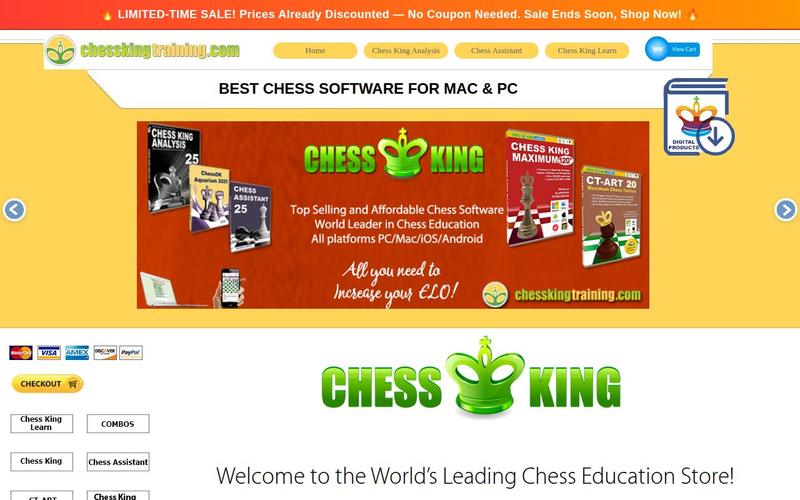

Download a course, then work through its exercises offline.
Free chess apps with no ads
Lichess is the clearest choice when you want both no ads and no paid feature tier. ChessKid and SocialChess also advertise no ads, but sell extra learning or membership features. Ad-free and completely free describe different things; compare both before settling on an app.
ChessKid's free plan includes games, while Gold expands puzzles and videos. SocialChess offers free play and a paid membership for additional features. A store with no ads label is not treated here as a promise about every version: those rows say exactly which Android label is absent.
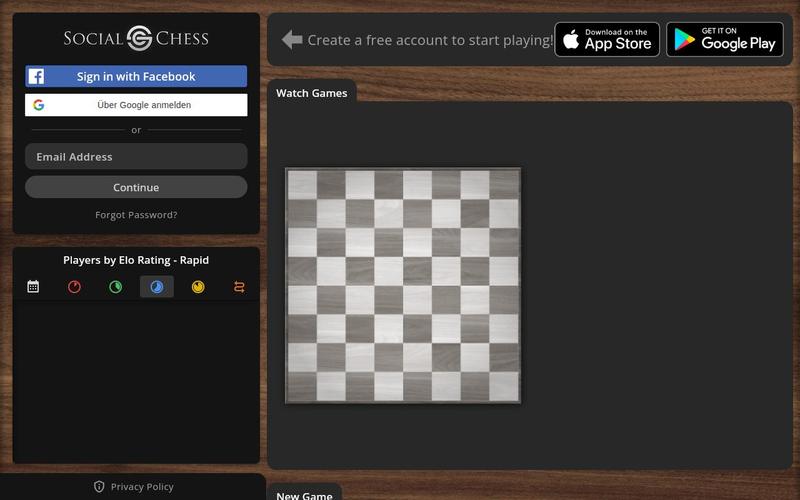

Ad-free friend games; a membership adds more features.
Chess apps to play offline
Lichess and Chess.com support offline computer games. ChessKid also lists offline computer play. For study rather than a game, Chessable downloads courses with PRO, Chess King trains downloaded courses, and Forward Chess reads downloaded books. Download what you need before leaving your connection.
Offline play against a computer is different from playing a person online. SocialChess's Android app can queue a move and send it when the connection returns; your opponent does not receive it while you are disconnected. For a trip, open your intended mode and downloaded material in airplane mode before departure.


Downloaded books stay available in the mobile reader offline.
Chess apps for beginners and kids
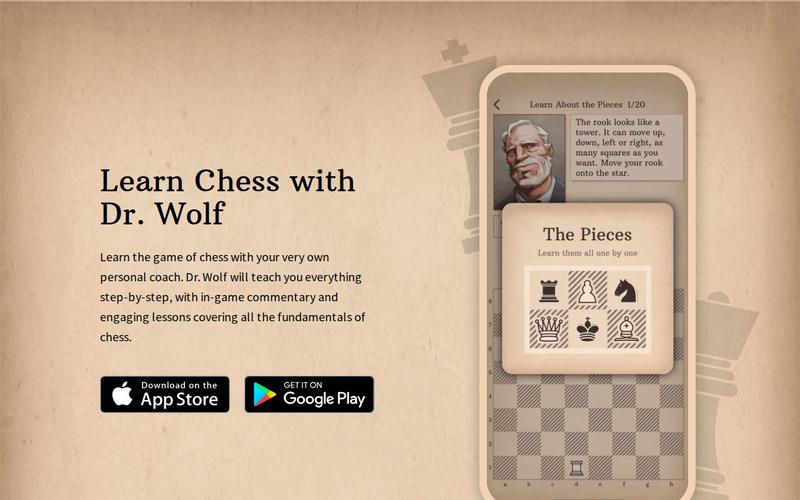
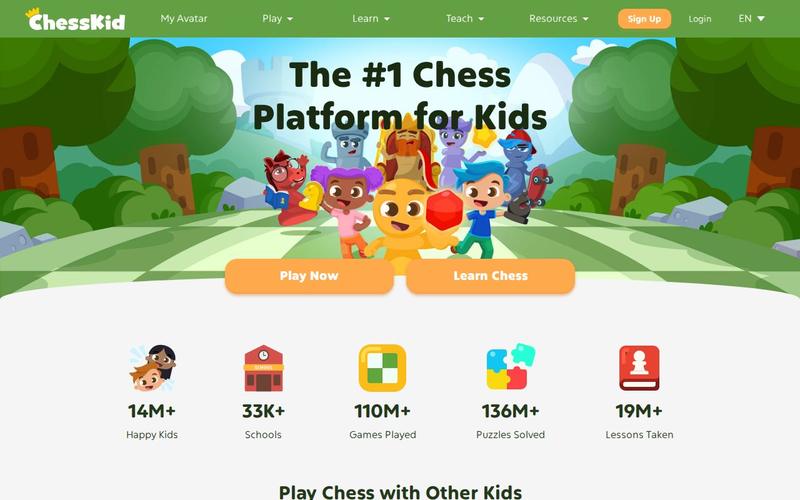
Dr. Wolf fits a beginner who wants an explanation while playing, rather than a list of engine moves afterward. ChessKid fits a child whose parent wants account controls and restricted chat. Those are different reasons to choose an app: a friendly coach is not the same as a parent-managed playing environment.
Dr. Wolf coaches three games free, then charges for continued teaching; the listing says he continues to play without a coaching subscription. ChessKid restricts free chat and gives parents control over friends. Start with the free portion of either app before paying for lessons the learner will not use.
Chess apps for PC and Mac
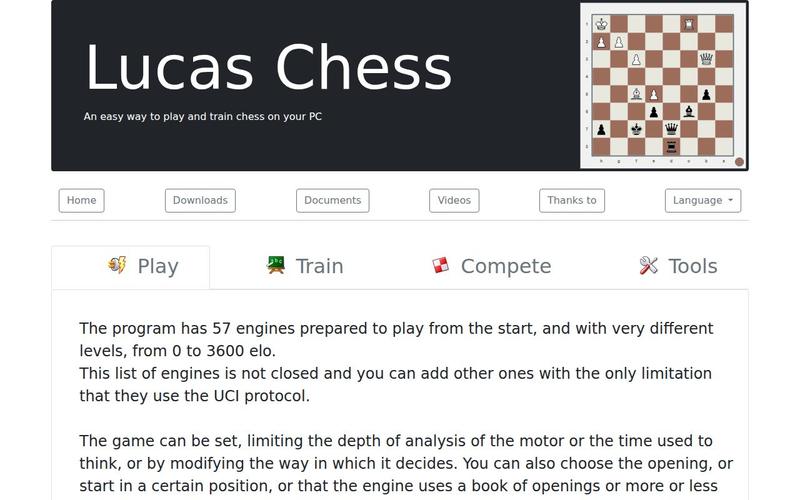
Lucas Chess is the free PC download for engine games, opening practice and drills; its download page offers Windows and Linux. HIARCS Chess Explorer Pro is a paid Mac and Windows option for engine analysis, databases and opening preparation. Its perpetual license does not require a software subscription.
On a Mac, choose the Mac download rather than a Windows .exe. HIARCS lists support for Intel and Apple Silicon; online activation and online books need a connection, while the software includes local engines and databases. For games against people, Lichess and Chess.com also work in a desktop browser. To play the computer immediately without installing anything, open our computer-opponent page.
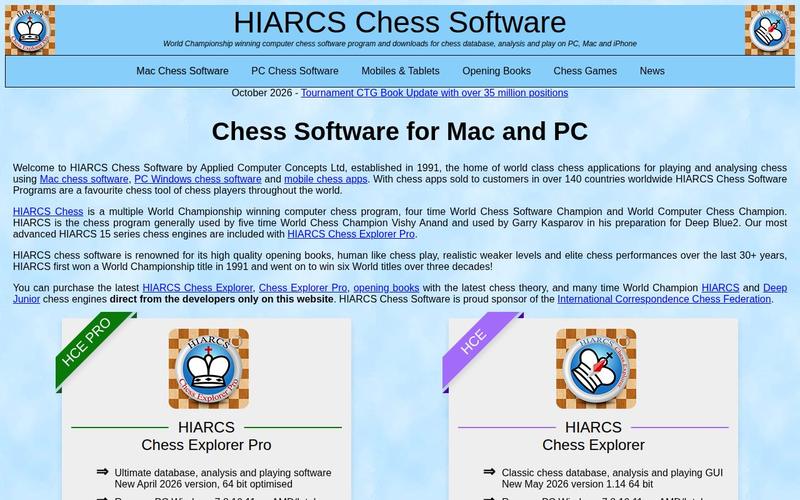

Paid Mac and Windows analysis software with a perpetual license.
Chess apps for training: puzzles and openings
Choose Chessable when you want a prepared course and repeated recall of its moves. Choose Chess Tempo when you want tactics and a repertoire you build or import yourself. Forward Chess is for reading a book while playing its variations on a board; Chess King supplies structured exercise courses with hints.
Chess Tempo supports PGN repertoire import and export, which matters if you already keep your own opening files. Its custom tactics sets need to be created on the website before use in the app. Chessable PRO and a paid course are separate purchases. Forward Chess purchases stay in its reader rather than exporting the publisher's book as PGN.


Questions about choosing a chess app
Which chess app is best?
Lichess is our first pick for free chess without ads. Chess.com fits games and lessons together, Dr. Wolf fits learning while you play, and ChessKid fits parent-managed children's accounts. For a PC download with training drills, choose Lucas Chess.
What is the best free chess app?
Lichess has no paid feature tier and no ads. Chess.com, ChessKid and SocialChess also offer free play, but charge for some training or membership features. A free store download alone does not tell you which lessons, puzzles or reviews are included.
Which chess app should I get for iPhone or iPad?
Start with Lichess for free games and analysis or Chess.com for play and lessons in one account. Forward Chess is useful for reading books on an iPad with a playable board. The App Store links in the table lead to the exact editions compared here.
What is the best chess app for Android?
Lichess is the first choice for free Android chess without ads. For guided beginner coaching, try Dr. Wolf. For downloadable exercise courses, compare Chess King, whose Android listing carries an ads label. Each mobile row includes a direct Google Play link.
Can I use a chess app offline?
Yes. Lichess and Chess.com support computer games offline, and ChessKid lists offline computer play. For study, download books in Forward Chess or courses in Chess King; Chessable requires PRO for course downloads. Games against online opponents still need a connection.
Which chess app is best for a beginner?
Dr. Wolf explains decisions while playing against you and offers three coached games free. Continued coaching requires a subscription. ChessKid is a separate choice for children when a parent wants account controls and restricted chat.
Which app helps me learn chess openings?
Chessable teaches prepared courses through repeated move recall. Chess Tempo lets you build or import a PGN repertoire and practice it with spaced repetition. Choose a course if you want the lines supplied, or your own repertoire if you already know what you want to play.
Is there a free chess app for PC?
Yes. Lucas Chess is a free Windows and Linux download with engine opponents and training. If you only want a quick computer game, the linked computer-opponent page has a browser board that needs no installation.
Which chess software works on Mac?
HIARCS Chess Explorer Pro supports Intel and Apple Silicon Macs and is sold as a paid download with a perpetual license. Lichess and Chess.com work through a desktop browser too. Lucas Chess's official download page lists Windows and Linux.
Which chess app can I use to play friends?
Lichess and Chess.com support friend challenges. SocialChess focuses on live and daily friend games without ads. Each player uses the same service, even if one has an iPhone and the other has Android. For two people sharing one screen, open our two-player chess page.