Play chess against the computer
Play a free game here, or choose from 12 chess sites by difficulty, hints and what happens after the game.
Start with Easy if you are learning. A level number on one site is not the same strength as that number on another.
Play the computer right here
Choose Easy, Casual, Club or Strong and make a move. Play as White or Black, take a move back, and copy the game as PGN. No account or download.
Where to play chess against the computer
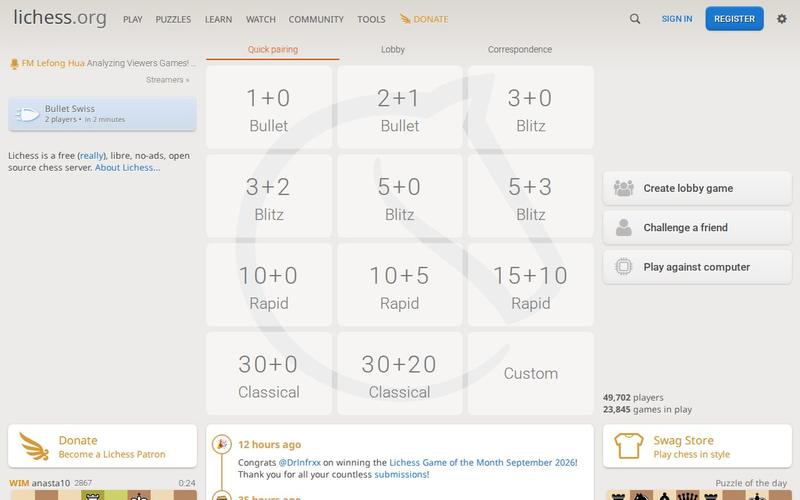
 Lichesslichess.orgEight computer levels, free Stockfish analysis, and no ads.Visit
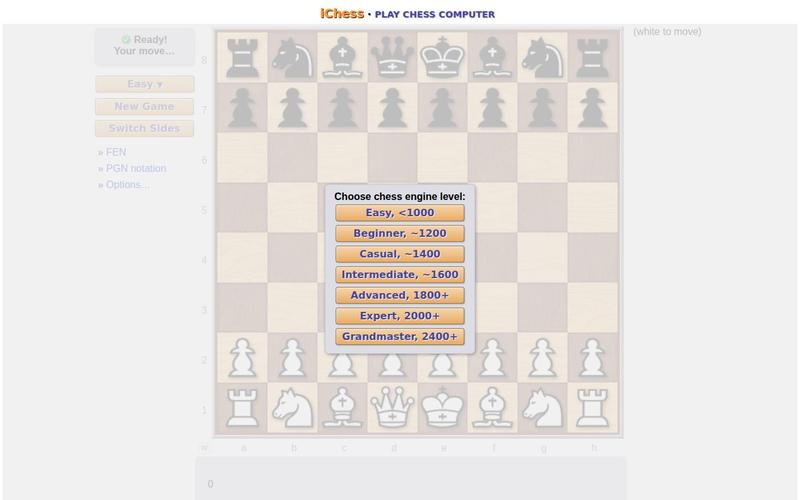
 iChessichess.comSeven levels from Easy to Grandmaster; change the strength after any move.Visit
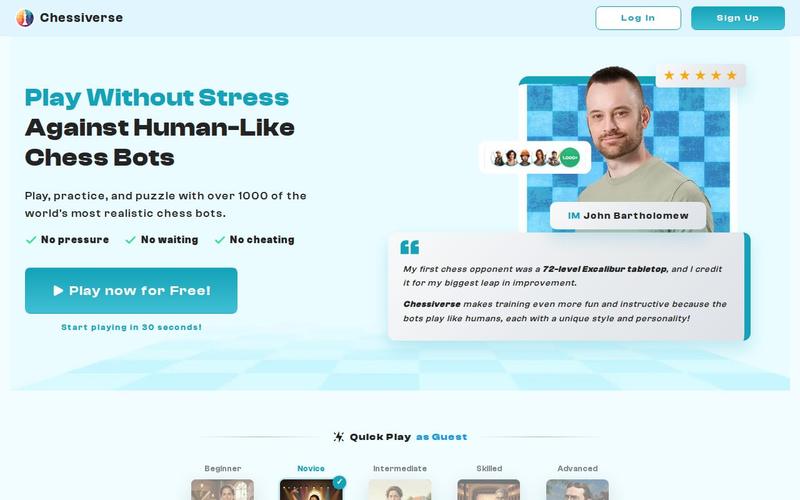
 Chessiversechessiverse.comTry guest opponents first; the full bot collection is in Premium.Visit
Compare 12 sites to play chess against computer
Difficulty, help during play, and what you get afterward. Free play and free analysis are separate.
| Site | Levels | Sign-up / cost | During play | After the game | Phone browser | |
|---|---|---|---|---|---|---|
| Lichesslichess.org | Levels: 8 levels: 1–8 | No sign-upGuest computer gamesFree, no ads | During play: Instant takebacks | After the game: Free analysis board; daily limit on server review | Phone browser: Touch controls | Visit |
| iChessichess.com | Levels: 7: Easy to Grandmaster | No sign-upDirect boardFree | During play: Switch sides for the computer's next move | After the game: PGN / FEN; move list | Phone browser: Yes; strength depends on device speed | Visit |
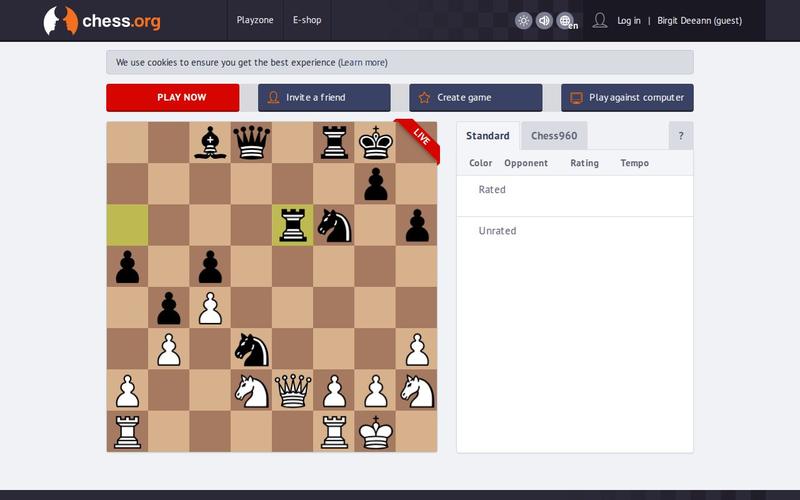
 Chess.orgchess.org | Levels: 8 levels: 1–8 | No sign-upGuest computer gamesFree | During play: Hint and Undo | After the game: — | Phone browser: — | Visit |
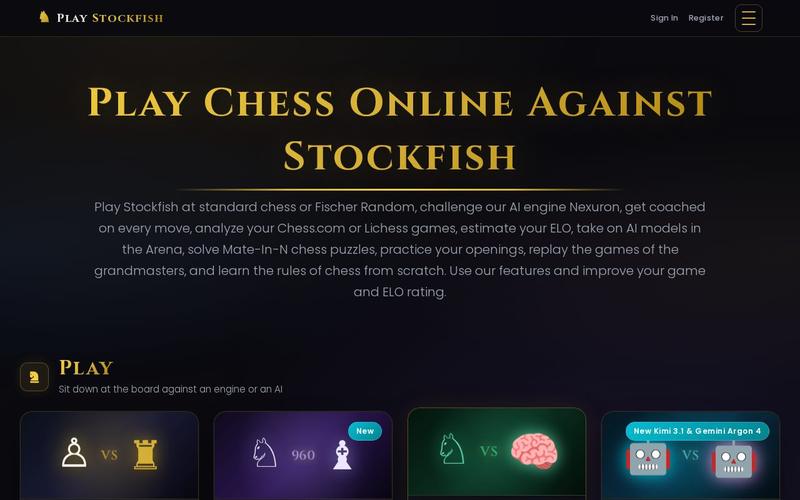
 Play Stockfishplaystockfish.com | Levels: 20 skill settings: 1–20 | No sign-upAccount for voice featuresFree play; paid voice credits | During play: Hint and Takeback | After the game: Review / analyze controls; PGN export | Phone browser: — | Visit |
 Chess.Coolchess.cool | Levels: 6 presets + Custom: Bonehead to Expert | No sign-upNo registrationFree | During play: Custom openings, thinking time and depth | After the game: — | Phone browser: — | Visit |
 CardGames.io Chesscardgames.io | Levels: 3: Easy, Medium, Hard | No sign-upDirect boardFree, with ads | During play: Undo | After the game: Move replay and export | Phone browser: Mobile controls | Visit |
 Shredder Chessshredderchess.com | Levels: 3: Easy, Medium, Hard | No sign-upBrowser gameFree browser game | During play: Takeback | After the game: — | Phone browser: — | Visit |
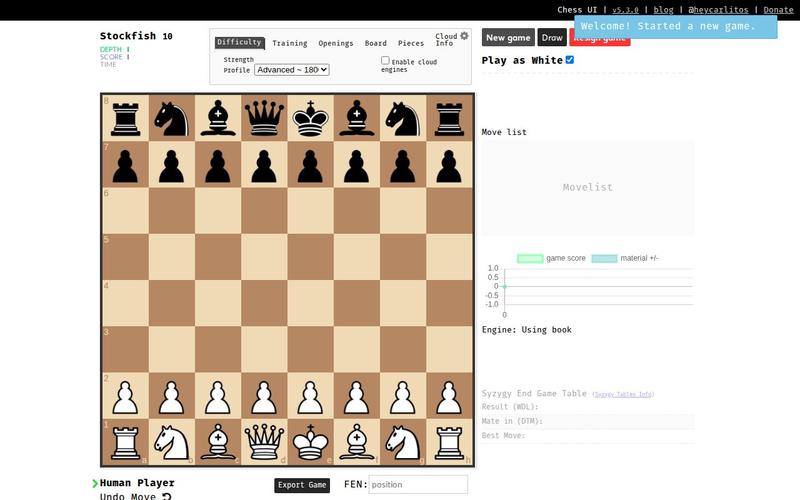
| Chessui.comchessui.com | Levels: 5 profiles: Casual to IM–GM | No sign-upDirect boardFree | During play: Undo, engine lines, material odds | After the game: On-board engine evaluation | Phone browser: — | Visit |
| Chessiversechessiverse.com | Levels: 1,000+ bots; guest examples rated 246–3130 | OptionalGuest bots; account saves progressFree selection; Premium for all bots | During play: Guided hints; unrated takebacks | After the game: Engine review; account adds coaching | Phone browser: Yes | Visit |
 SparkChesssparkchess.com | Levels: 4 free opponents; 6 in Premium | OptionalGuest optionFree with ads; Premium extras | During play: Undo; Coach + Hints in Premium | After the game: Board analysis and replay tools in Premium | Phone browser: Yes | Visit |
 Chess.comchess.com | Levels: 100+ personalities; engine 250–3200 | OptionalAccount for history and reviewFree bots; paid plans and extras | During play: Hints and takebacks depend on mode | After the game: Free account: 1 Game Review/day; more on paid plans | Phone browser: — | Visit |
 Noctie.ainoctie.ai | Levels: 25: about 400–2800 Elo | AccountSubscription for full play7-day trial, then €14/mo | During play: Instant move feedback; opening practice | After the game: Feedback and mistake puzzles in paid plan | Phone browser: — | Visit |
Chess against computer for beginners
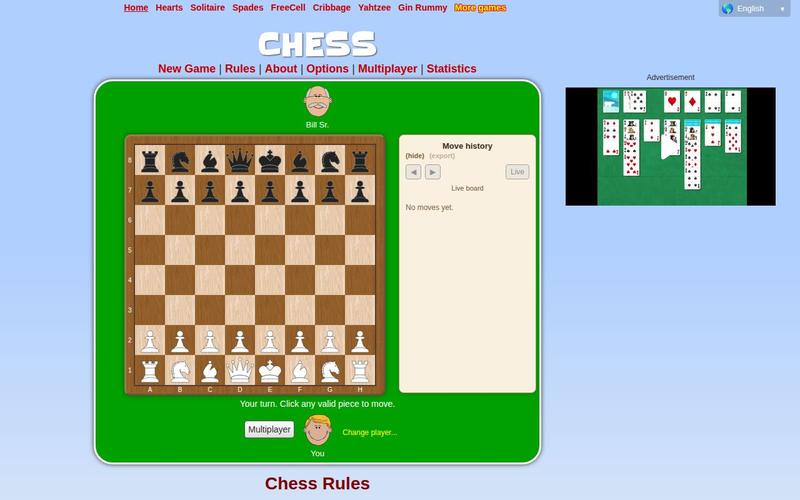
Start on Easy here, or choose iChess Easy, CardGames.io's Bill, or a low-rated Chessiverse guest bot. The useful opponent gives you time to notice a hanging piece and try a plan. Turn the strength up after you can finish games without losing pieces for nothing.
Numbers do not transfer between sites: Lichess level 4, Play Stockfish skill 4 and a bot rated 400 are different settings. Pick the lowest option for your first game. If you want to try a move again, choose a site with takebacks; if you want to understand the whole game, choose one with analysis afterward.
Free chess against computer with no sign-up
Lichess, iChess, Chess.org and Play Stockfish let you start computer games without creating an account. Chessiverse also has a guest selection. Saving a rating, keeping history across devices and unlocking every bot are separate features, so free play does not mean every feature is free.
For a quick game, stay with the board here or open iChess. For a game you want to study afterward, Lichess has free local analysis. Noctie belongs in the paid training choices: its full product has a seven-day trial followed by a subscription, rather than an ongoing free mode.
Chess against computer with hints and analysis
A hint suggests a move now; a takeback lets you try again; analysis shows what changed after each move. Chess.org offers a Hint control, Chess UI shows engine lines, and Lichess has a free analysis board. Choose by the kind of help you actually want.
For a finished game, replay the moment you first felt stuck and compare your move with the engine's line. Lichess's local analysis is free; server reviews have a daily limit. A free Chess.com account includes one full Game Review per day. Noctie puts feedback and puzzles from your mistakes in its paid plan.
Play chess against computer on your phone
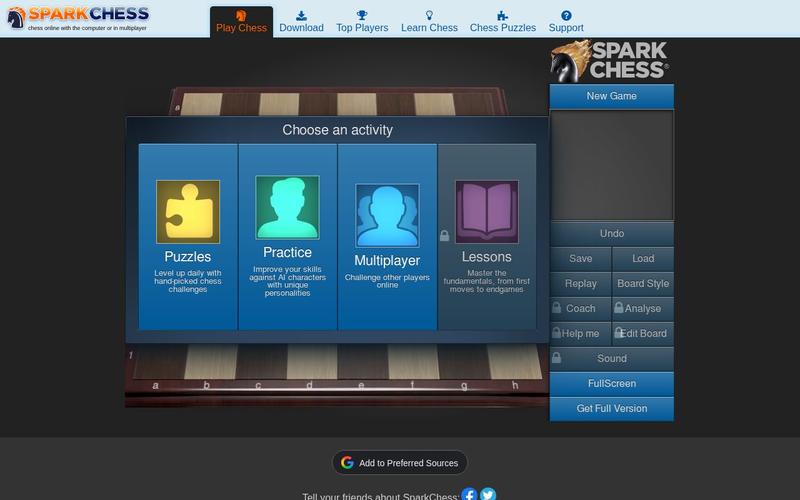
iChess, SparkChess and Chessiverse describe mobile browser behavior, so you can play without installing an app. iChess also explains why the same level can feel different on a phone: the engine's playing strength depends on how quickly your device calculates.
For a small screen, start with a simple board rather than a page full of engine settings. Tap a piece and then its destination on the board here. If you want to change devices and keep your game history, choose an account-based service with saved progress. An app listing by itself does not tell you how its browser board works.
Play against Stockfish online
Lichess, Play Stockfish and Chess UI let you play Stockfish without installing an engine. Lichess has eight levels; Play Stockfish exposes 20 skill settings; Chess UI has five strength profiles plus training positions and material odds. Those are different ways of adjusting an opponent, rather than a shared rating scale.
Choose Lichess if you want to review the finished game, Play Stockfish if you want a clock and a skill slider, or Chess UI for a specific endgame. On the higher settings, think through the computer's checks and captures before moving. Use an easier setting when you want to practice a new idea rather than defend every turn.
Skill settings from 1 to 20, with hints, takebacks and clock controls.
Chess bots that play like humans
Chessiverse and Noctie build their opponents around human-like play; SparkChess gives its characters different styles. That is a different goal from running Stockfish at a lower strength. If you want varied openings and opponents you can recognize, these are useful places to start.
Chessiverse has free guest opponents and a larger paid collection. Noctie offers 25 levels with move feedback through a subscription after its trial. SparkChess describes Cody as still learning the basics and Claire as a fast, friendly opponent. Treat a bot's rating as that site's guide to difficulty, rather than a prediction of your tournament rating.

Questions about chess against the computer
Where can I play chess against the computer for free?
Play on the board here, or open Lichess, iChess, Chess.org, Chess.Cool or Play Stockfish. They offer browser games without a download. Extra bots, coaching and game reviews have separate limits on some services, so compare those features before choosing a paid plan.
Can I play chess against a computer without signing up?
Yes. The board here needs no account. Lichess, iChess, Chess.org and Play Stockfish also offer guest computer play. Chessiverse has a guest selection; an account adds saved rating and history. Guest play and access to every bot are separate things.
Which chess computer is easiest for a beginner?
Start with Easy on this board, iChess Easy or Bill on CardGames.io. Chessiverse also displays low-rated guest opponents. Start low, play a complete game, then adjust. One site's Easy setting is not calibrated to another site's level 1.
What do chess computer levels 4, 5 and 10 mean?
They depend on the site. Lichess uses levels 1–8, Play Stockfish uses skill settings 1–20, and iChess uses seven named levels from Easy to Grandmaster. A level 10 therefore exists on some boards and not others. Choose the site first, then use its own difficulty controls.
Can I get hints or take a move back?
Yes. Undo on the board here takes back your move and the computer's reply. For a suggested move during play, Chess.org has Hint, and Play Stockfish has Hint and Takeback controls. Chess.com offers different amounts of help by bot mode; Chessiverse permits takebacks in unrated games.
Where can I analyze my game against the computer?
Lichess has free local Stockfish analysis. You can copy PGN from the board here and import it into an analysis tool. A free Chess.com account includes one full Game Review a day. SparkChess puts board analysis in Premium. Move replay alone does not evaluate whether a move was good.
Can I play Stockfish online without downloading it?
Yes. Lichess, Play Stockfish and Chess UI provide a browser interface, and the board here also uses Stockfish. Start at a reduced strength for a playable game. A full-strength engine is a different challenge from a beginner bot.
Can I play the computer on my phone?
Yes. iChess discusses phone-browser play, SparkChess documents its phone layout, and Chessiverse has mobile game and analysis controls. No app is needed for those browser versions. On the board here, tap your piece and then its destination.
Which chess bots play like a real person?
Chessiverse offers bots with distinct styles and openings, and Noctie describes its AI as trained to imitate human play across 25 levels. SparkChess gives its opponents different personalities. Try a guest opponent before paying when that option is available.
Is there a hard chess computer to play against?
Yes. Choose Strong here, a higher Lichess level, Play Stockfish's upper skill settings, or Chess UI's IM–GM profile. Shredder also offers Hard, but its browser page says that setting is below the engine's full capabilities. The word Hard does not describe the same strength everywhere.